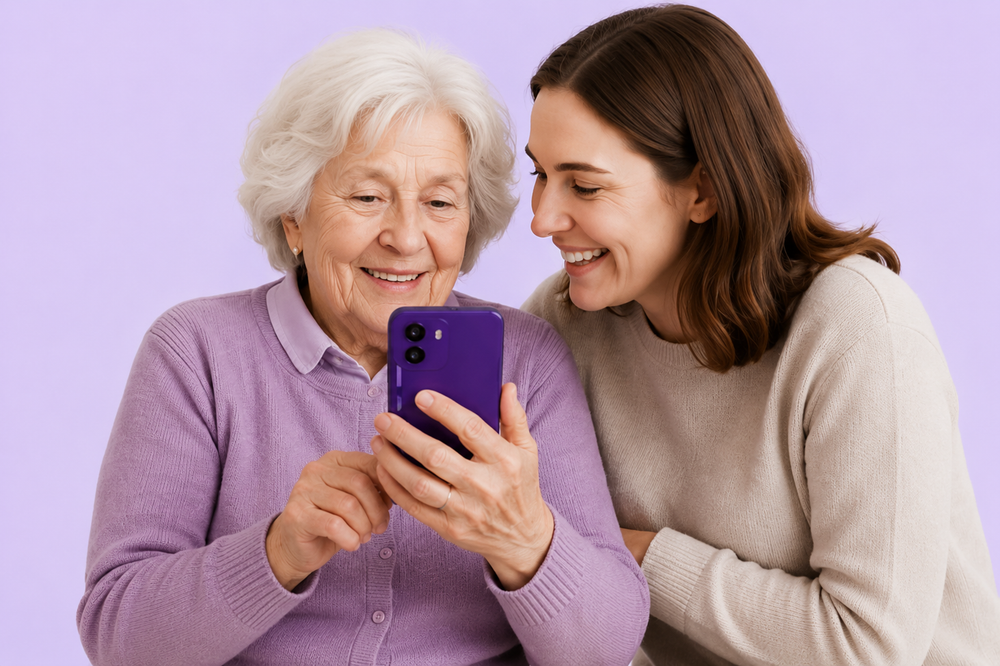
A Phone for Your Loved Ones. Finally.
BigPurplePhone SilverFox
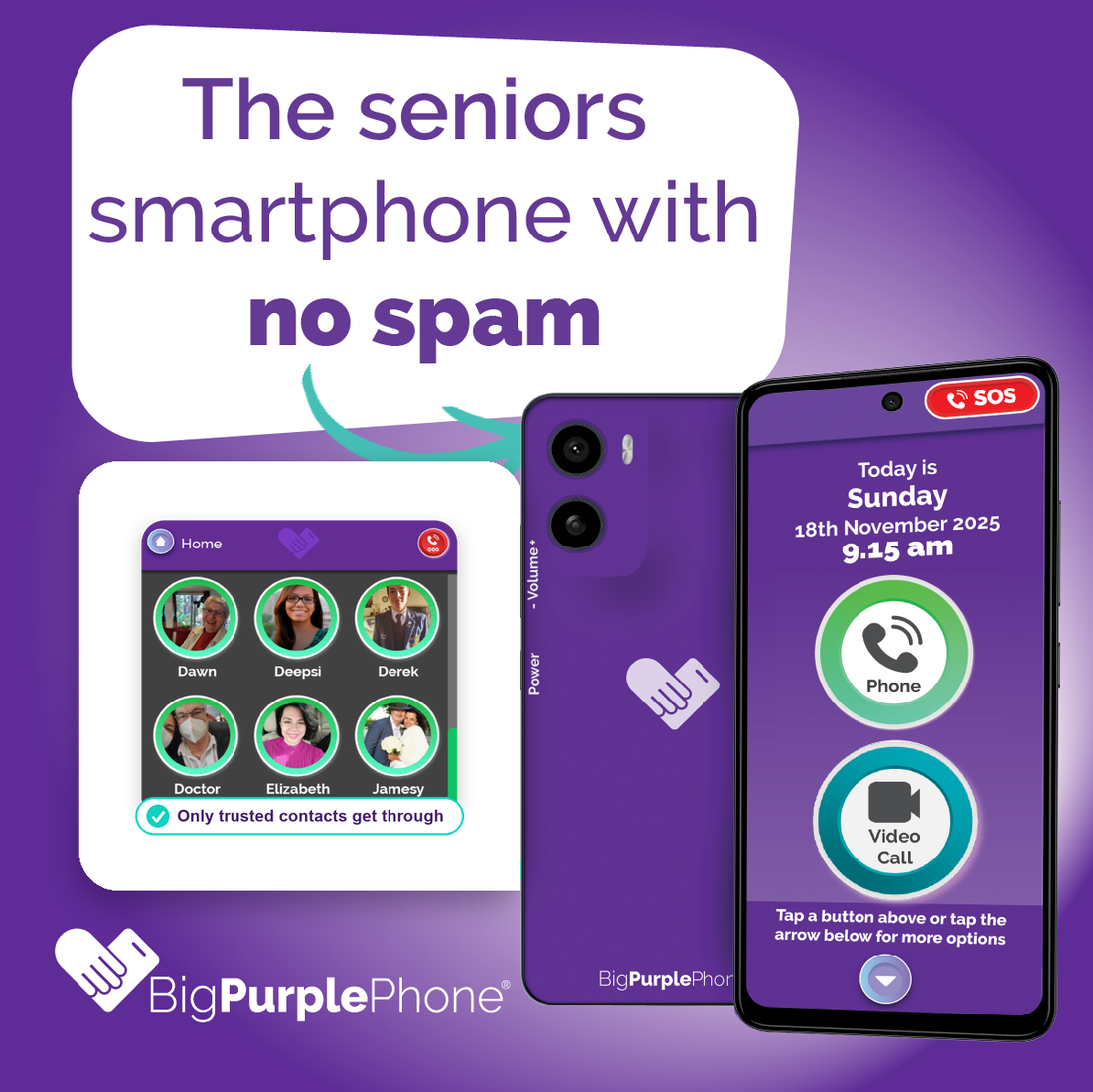
Simple calls and texts. No distractions. No Scam.
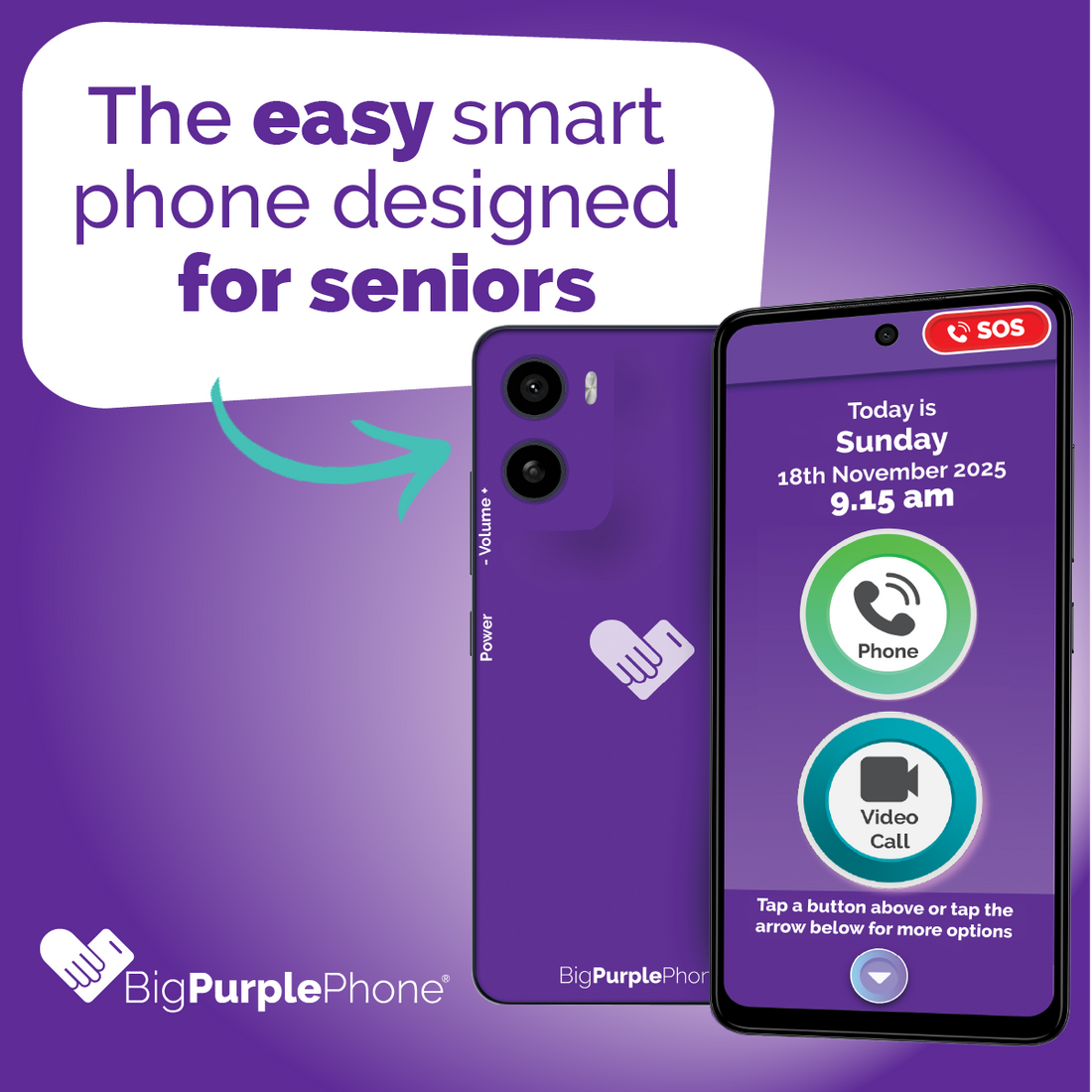
All the capabilities of a regular phone in an easy to use design. Made for seniors, BigPurplePhone makes staying in touch easy, safe and stress-free.
Fully customisable. Turn on the features your loved one wants and switch off the ones they don't, from apps and voicemail to calls from unknown numbers.
Not sure it's the right one? Compare all three
Talk&Text
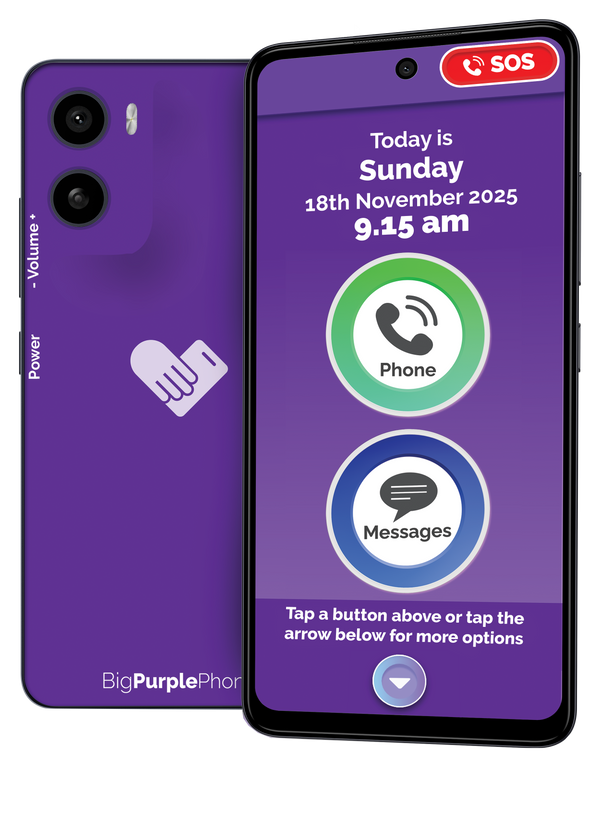
Just calls and texts. No internet, no distractions.

SilverFox
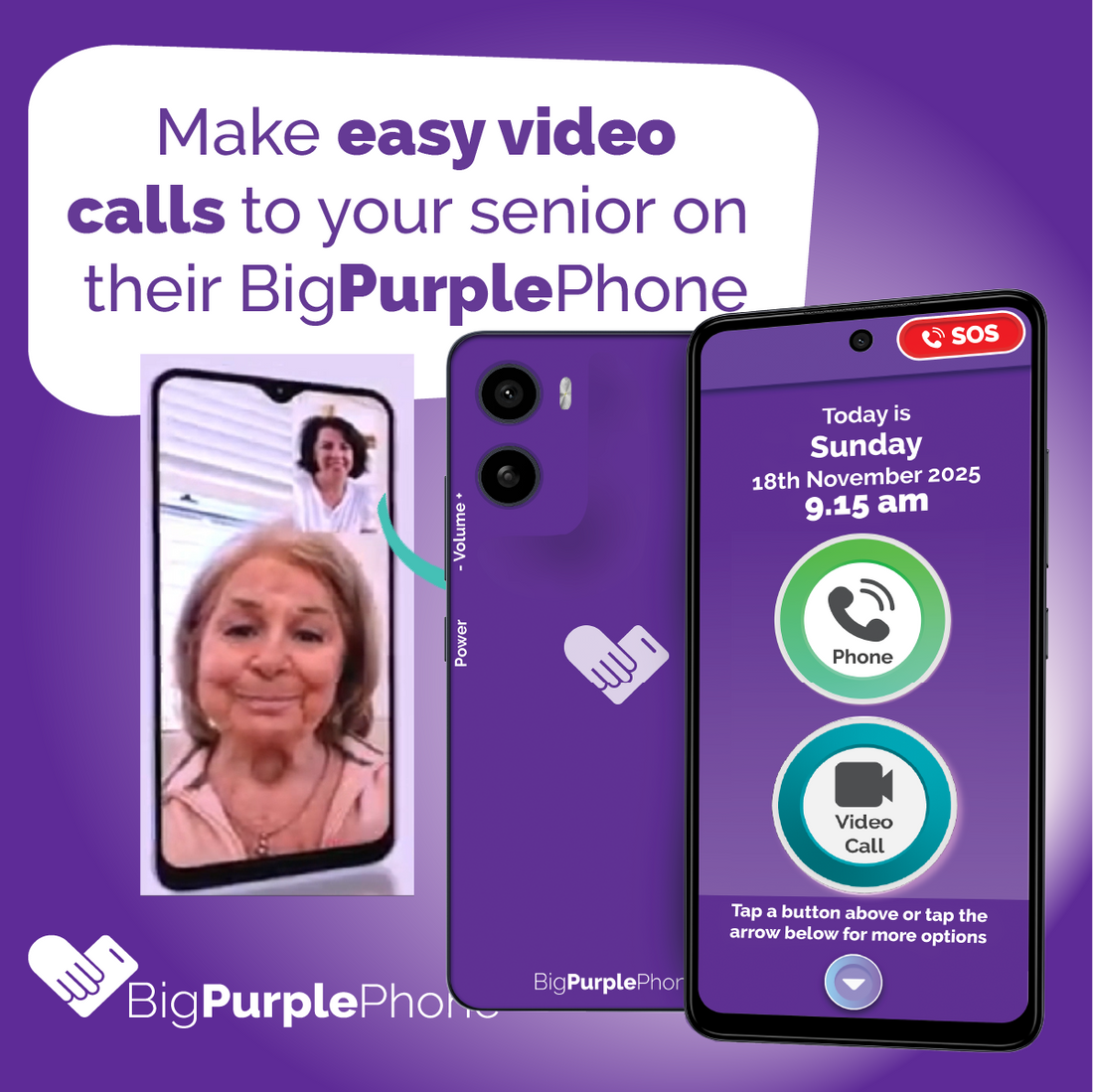
Adds easy video calls with the family.
SilverFox+
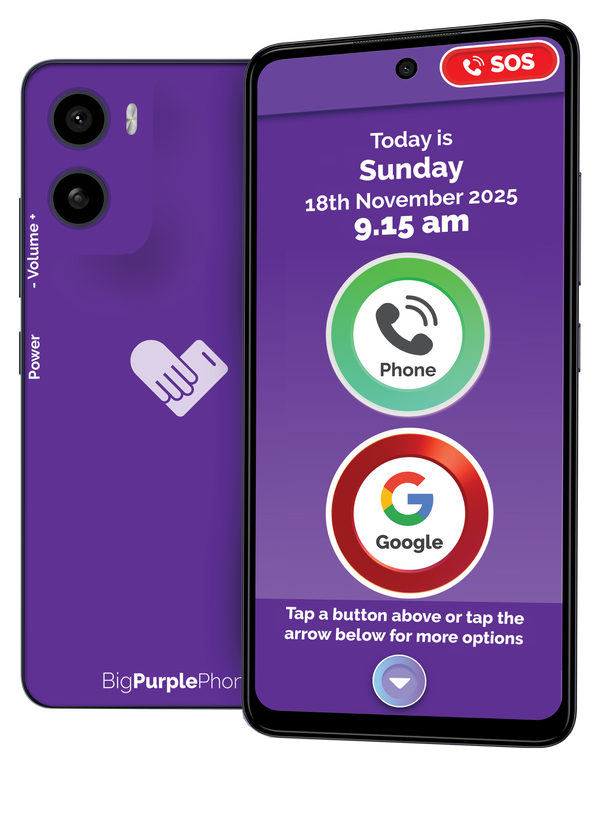
Military-grade tested and water resistant.
Launch offer: free charging dock and MagSafe case
See SilverFox+| Compare at a glance | Talk&Text | SilverFox | SilverFox+ |
|---|---|---|---|
| Video calls with family | – | Yes | Yes |
| Military-grade tough (MIL-STD-810H) | – | – | Yes |
| Water resistant (IP68 & IP69) | – | – | Yes |
| Charging dock | Add-on | Add-on | Free at launch |
| Price | $599 | $749 | $1,099 |
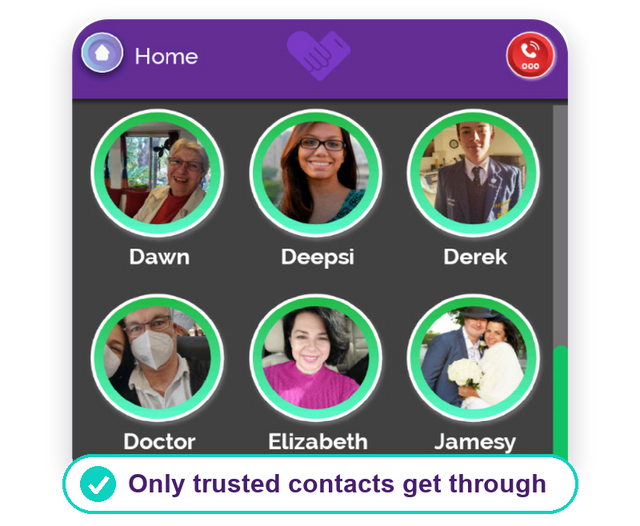
No Scam Calls or Texts
Calls can be made to any number but your Loved One will not be bothered by any unwanted incoming and scam calls and texts from numbers that are not a trusted contact, if enabled.

AppShop
Introducing our NEW AppShop!
We have now added 70+ trusted, everyday apps to the BigPurplePhone SilverFox, including: banking, grocery, health & hearing aid apps. All the apps your loved one already knows, in an easier to access way.
Every app is hand-picked and approved by BigPurplePhone, with large, clearly-labelled icons that are easy to see. We've also removed the five-app limit, so users can add as many apps as they like and build a home screen that suits them.
Big Buttons
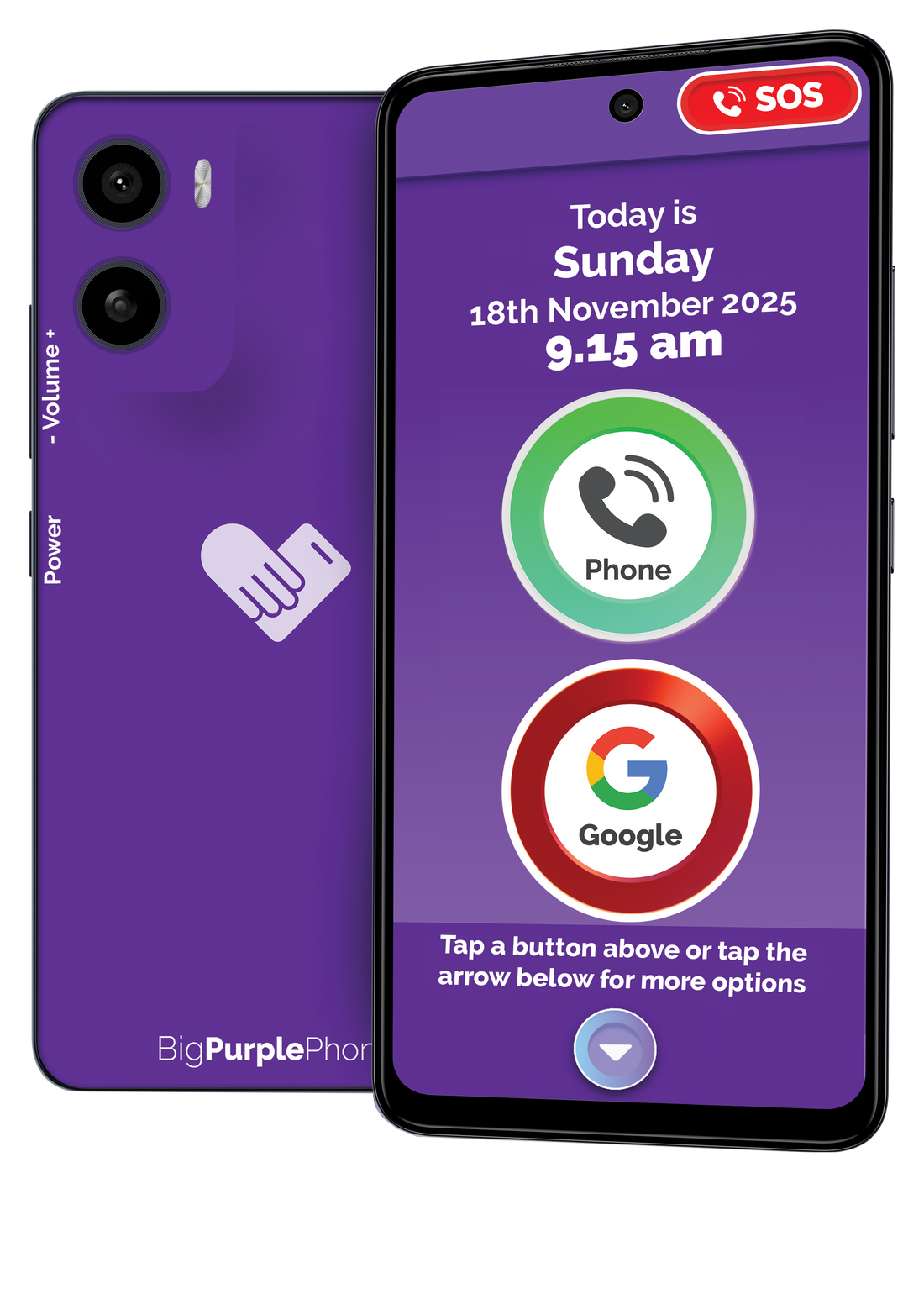
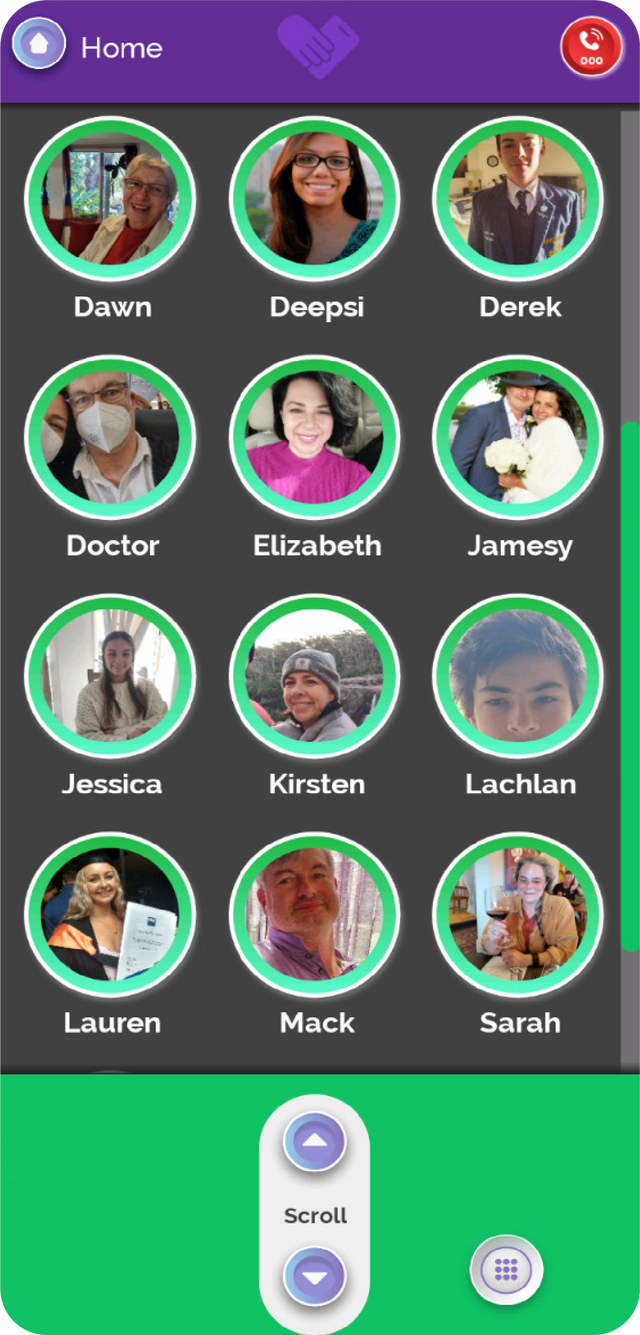
Our buttons are large and organised in one line down the phone. Simply scroll down the BigPurplePhone Ribbon™ to navigate to each app.
Picture Driven Navigation
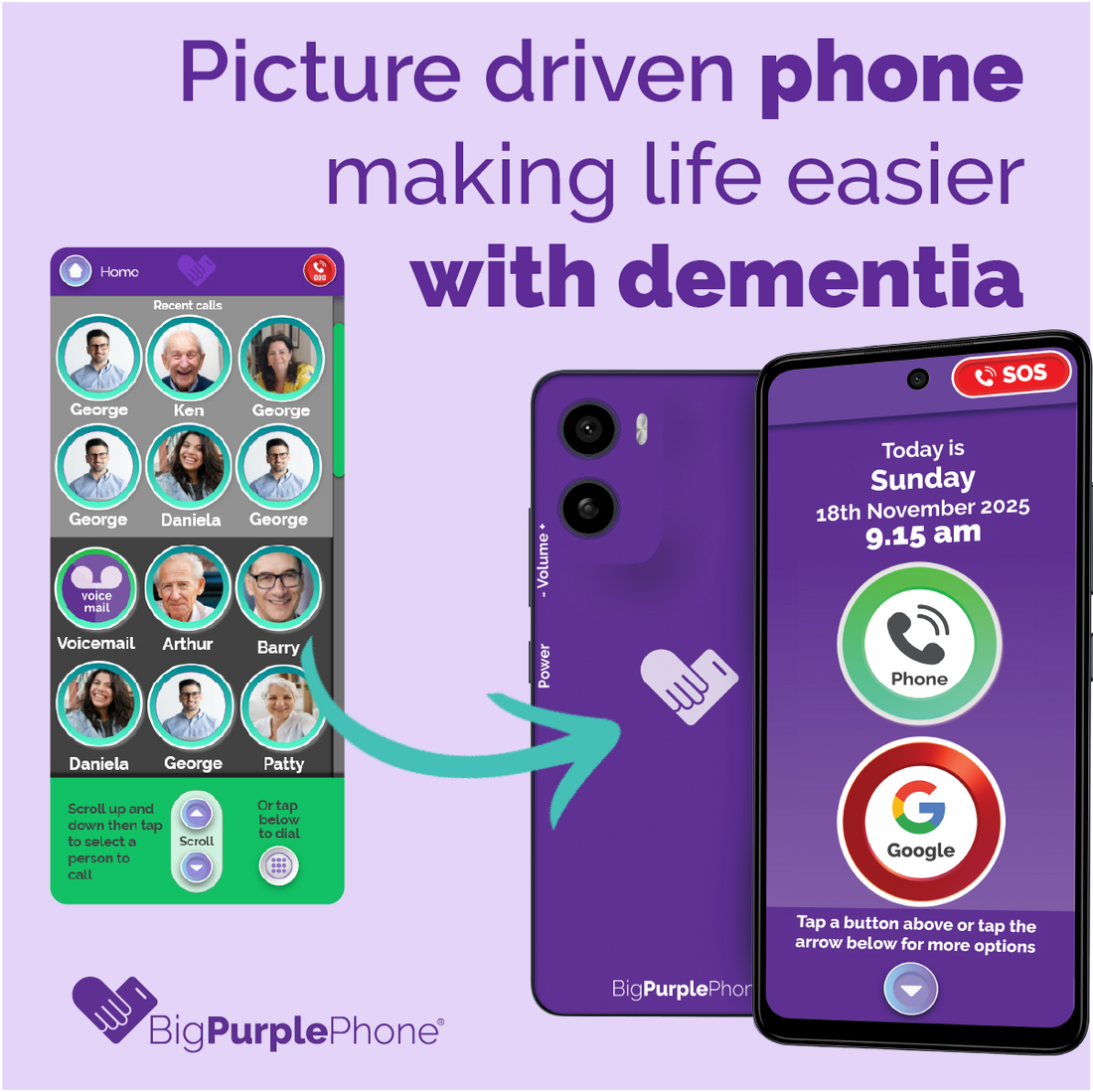
BigPurplePhone is designed to have picture driven navigation to make calling, texting & video calling easier for people with dementia and cognitive decline.
Adding contacts is easy, take a photo and save it to the contact. Or upload your current contact list.

Manage Settings Remotely
All the settings are in the Manage App. You can access and adjust all the settings remotely through the BigPurplePhone Carer's portal, so changes are never stressful. Volume controls stay easy to reach on the side of the phone.
Help Button
You no longer need to be a technical support line!
the Help button on the phone is a direct call line to our Friendly, Australian, BigPurplePhone, customer care team! (available 9-5 Mon-Fri AEST).
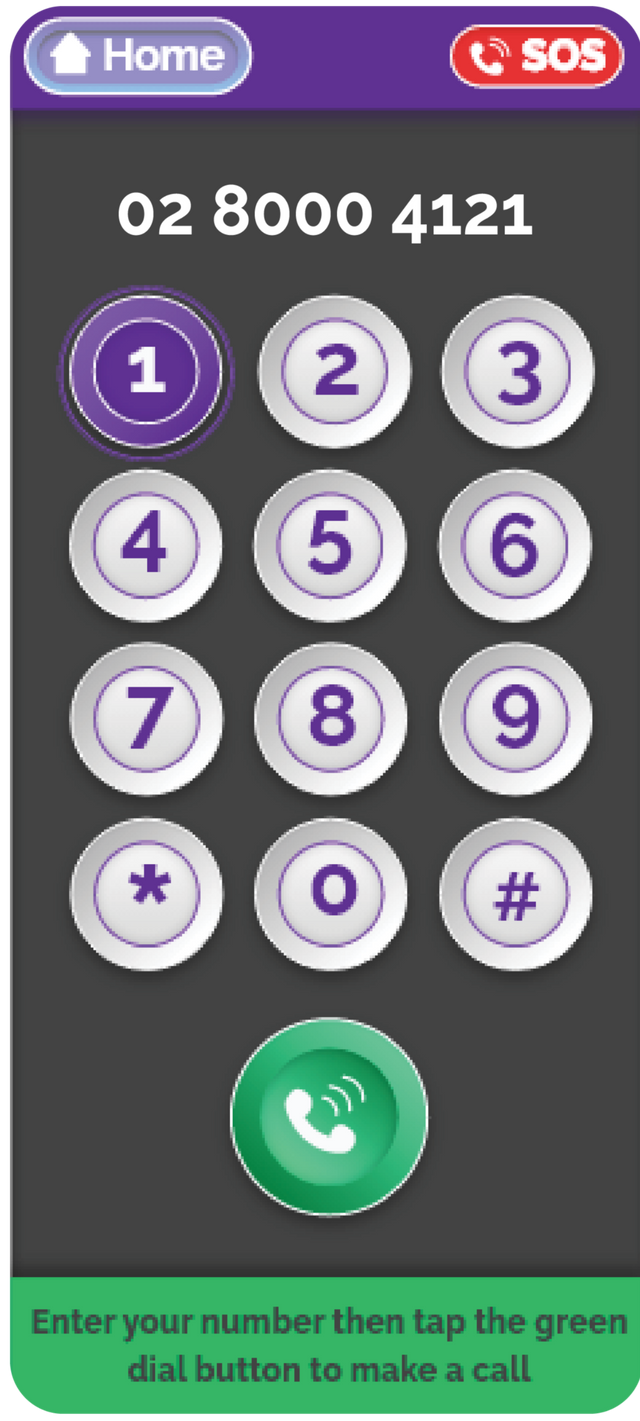
High Contrast Dial Pad
Our AA Accessibility rated (Wc3 Convention) high contrast dial pad has numbers that pop out and are bolded. We've also added slight haptic pulse buzzes when a button is pressed. Test out our extra large, accessible dial pad!
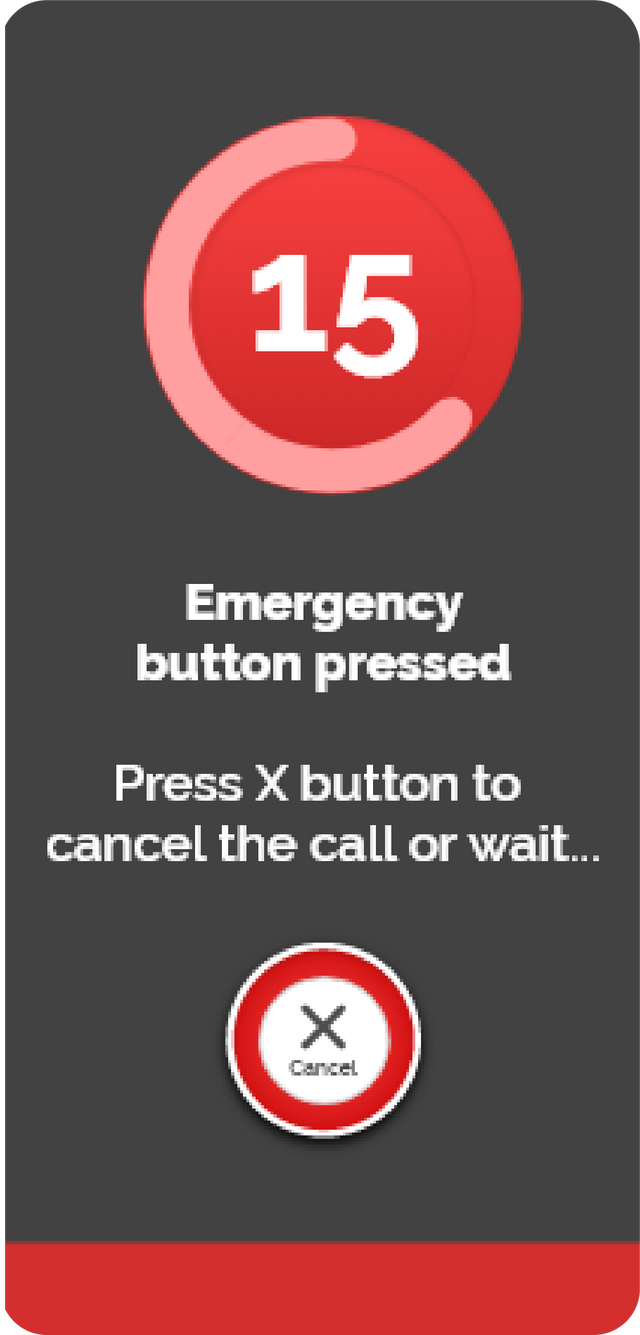
SOS Button
Our SOS button also doubles as a safety pendant. When the SOS button is activated, there will be a 10 second countdown. After that, the BigPurplePhone will send a notification to the selected contact/s with a link to your location and the emergency services can be called.
This feature is standard on the Talk&Text and SilverFox Editions of the BigPurplePhone and has the option to be disabled on theSilverFox Edition of the BigPurplePhone.
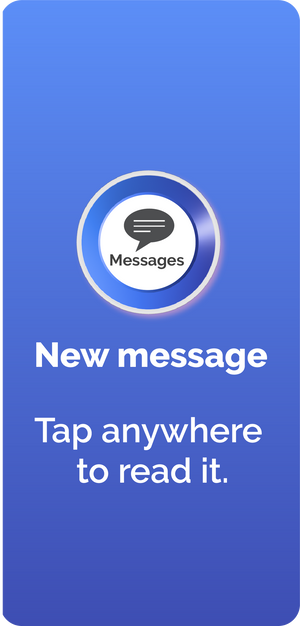
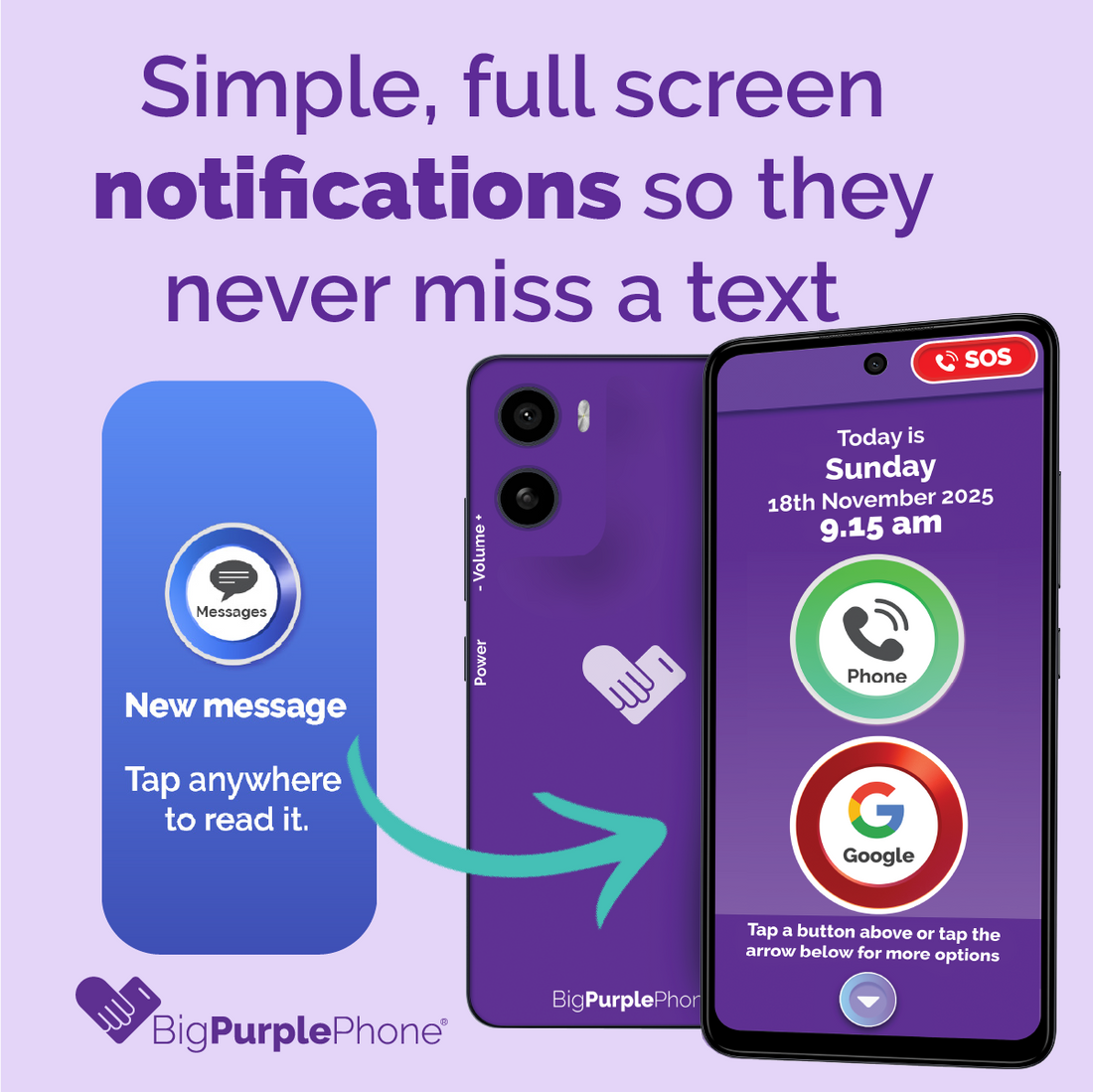
Full Screen Notifications
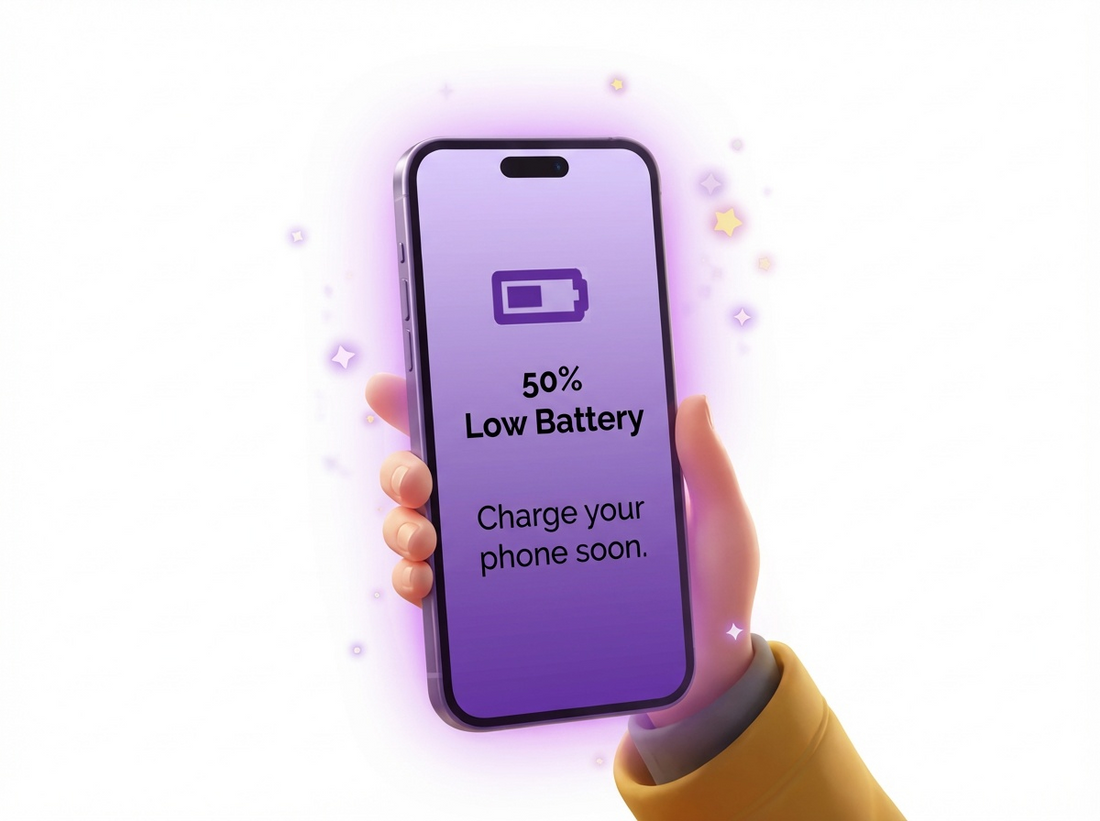
Never miss a notification with full screen notifications for incoming calls, messages, reminders and low battery. We make it easy to action the notification by taping anywhere on the screen to manage the notification (whether it is picking up the call or responding to a text).
Other phones have various unnecessary notifications in many different places on the phone. We've kept it clean and simple.
Magnifier
Use the magnifier to see a menu or read the back of packaging when out and about. Combine with the torch when at restaurants to read the menu when you don't have your glasses with you!
Accessibility
The accessibility icon helps you customise the way third party apps look. Here are some settings you can change:
- Increase buttons and text size
- Enable Text to Speak and Talkback for impaired vision
Find My BigPurplePhone
View a map of BigPurplePhone's last known location using the Carer Portal.
BigPurpleTalk™
BigPurpleTalk™ speaks as you use the phone. Excellent for confirmation and confidence when the screen is still difficult to see.
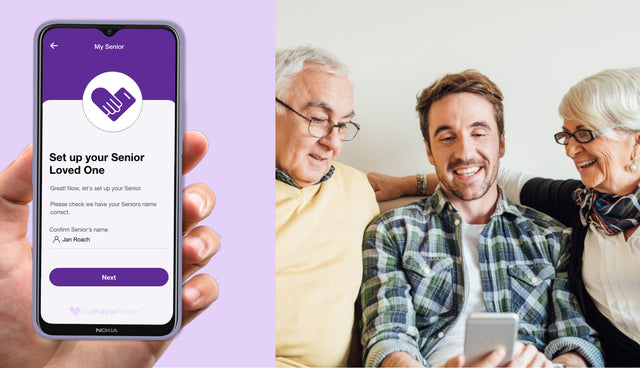
Carer's Portal
Carers can manage the phone remotely at manage.bigpurplephone.com. If you want to manage your phone yourself you can also do this via the portal, or enable the Manage button on the phone.
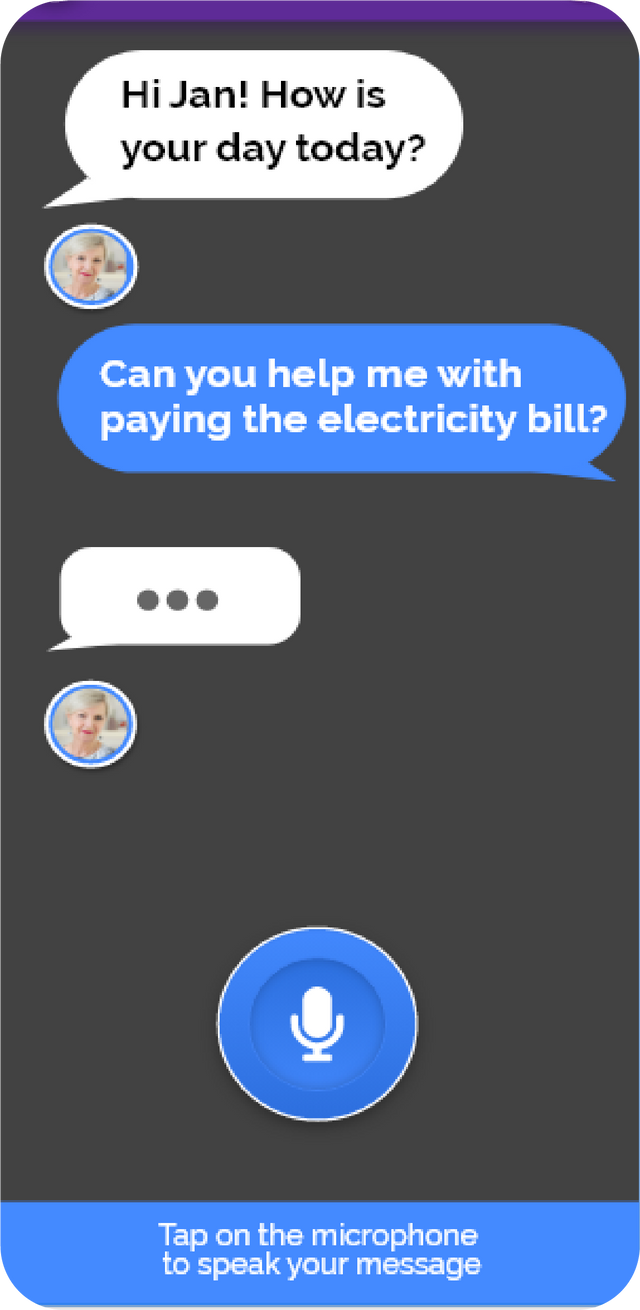
Speak A Message
Ideal for unsteady hands - simply tap the microphone, speak your message after the countdown and your message will be translated to text!
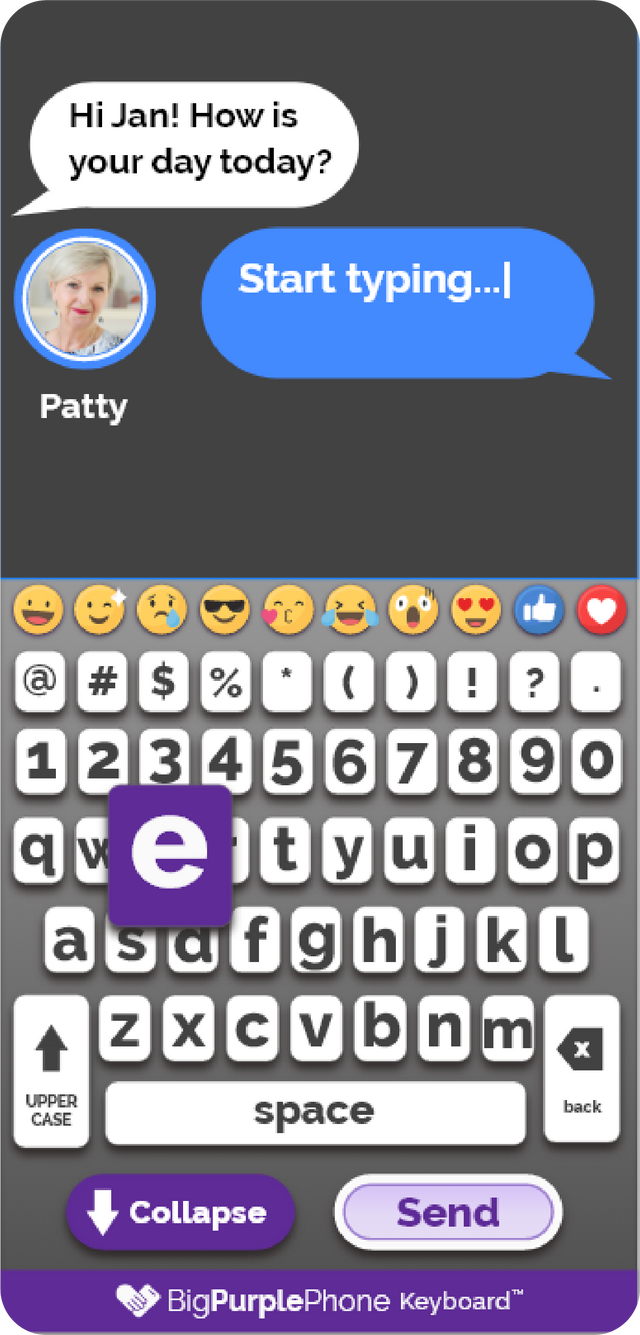
Large, High Contrast Keyboard
Texting is now easy with our specially designed BigPurplePhone keyboard. We've designed it to have large, bold letters which are high contrast and bold. We've also included Emojis at the top to stop confusion with multiple keyboards.
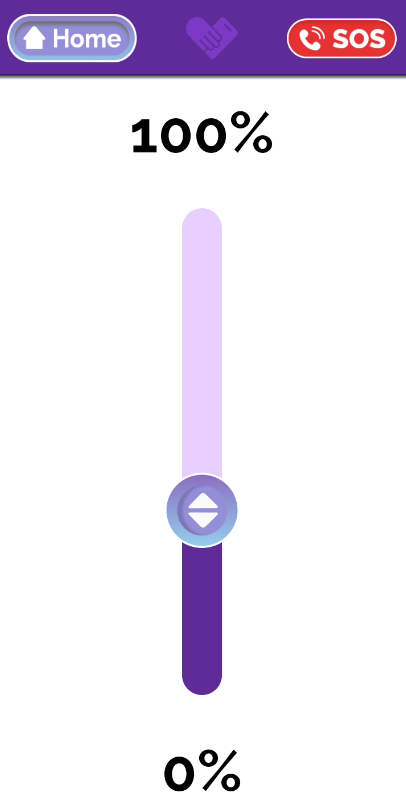
Brightness Control App
Its easy to access the brightness controls on your BigPurplePhone. Simply scroll down the ribbon to our Brightness App and drag the lever up or down to your choosing.
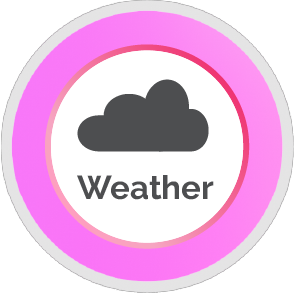
Weather App
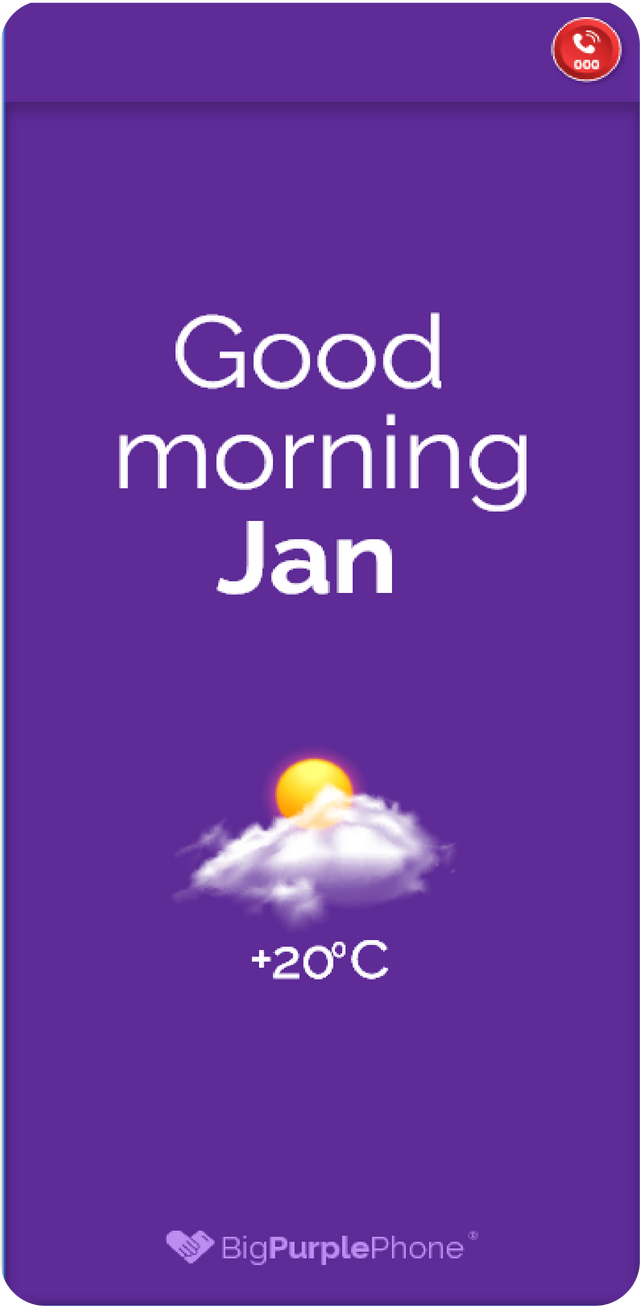
Checking the weather is easy. Scroll down to the BigPurplePhone weather app to see the weather for your city. Designed to be displayed so that its easy to see and read.
Wi-Fi
Our Talk&Text edition is a smart phone, which does require up to 5GB data per month. Connect to Wi-Fi for better performance and to save on data costs.
You can also add a BigPurpleSim for $29.00/month. Find out more.
Bluetooth
Connect your BigPurplePhone to Bluetooth any Bluetooth device (headphones, speaker, etc). If your hearing aid does not require an app to control it you can also connect the BigPurplePhone to your hearing aid.
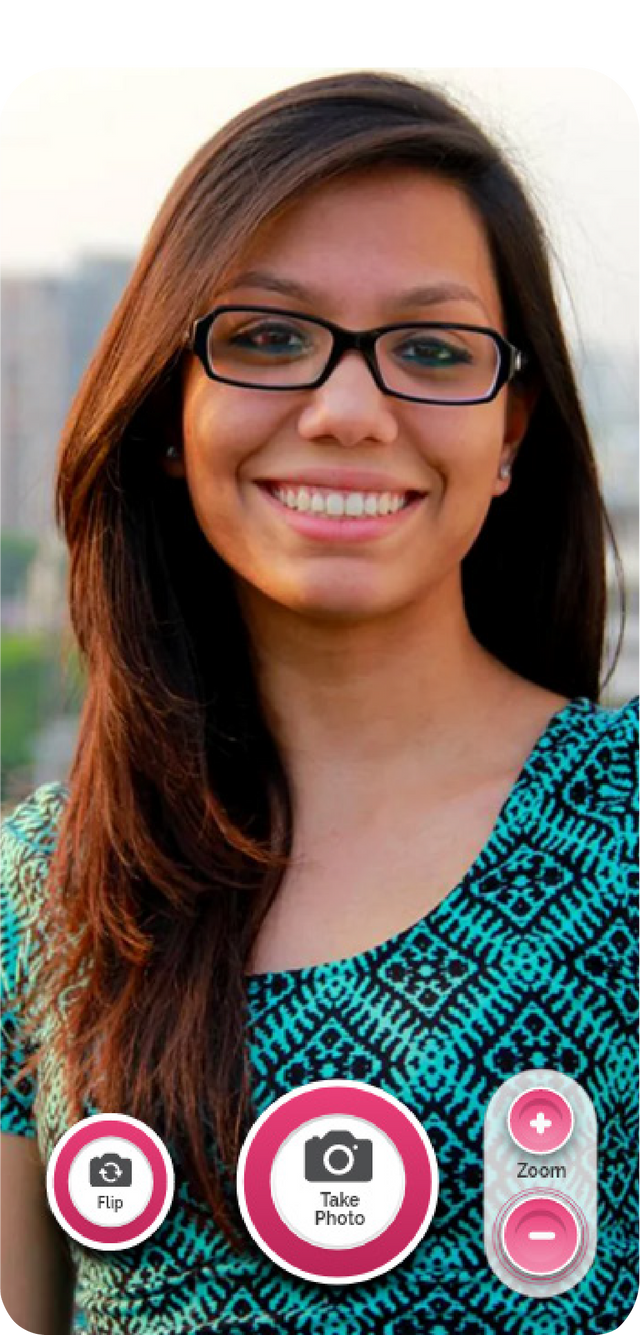
Easy To Use Camera
Our 13 MP Triple camera is set up with big buttons and easy to use features. Flip the front and back camera, tap to zoom in and out with our buttons. No need to swipe, pinch or exit the camera app. When you take a photo is it automatically saved to your Photo Gallery.
Text Messages that have an image attached are also automatically salved to the photo gallery.
Built For Seniors by People Who Care
Your phone is personalised to you and is managed on our secure fleet of phones.
This allows us to assist in remotely supporting your phone with software upgrades.
Radio
Simple one click radio stations. Select your favourite radio station. Simply tap to play the station and tap off.
Music
Use our BigPurplePhone Music and choose from up to 6 music genres. Or choose to add Spotify or YouTube Music to your BigPurplePhone through the AppShop.

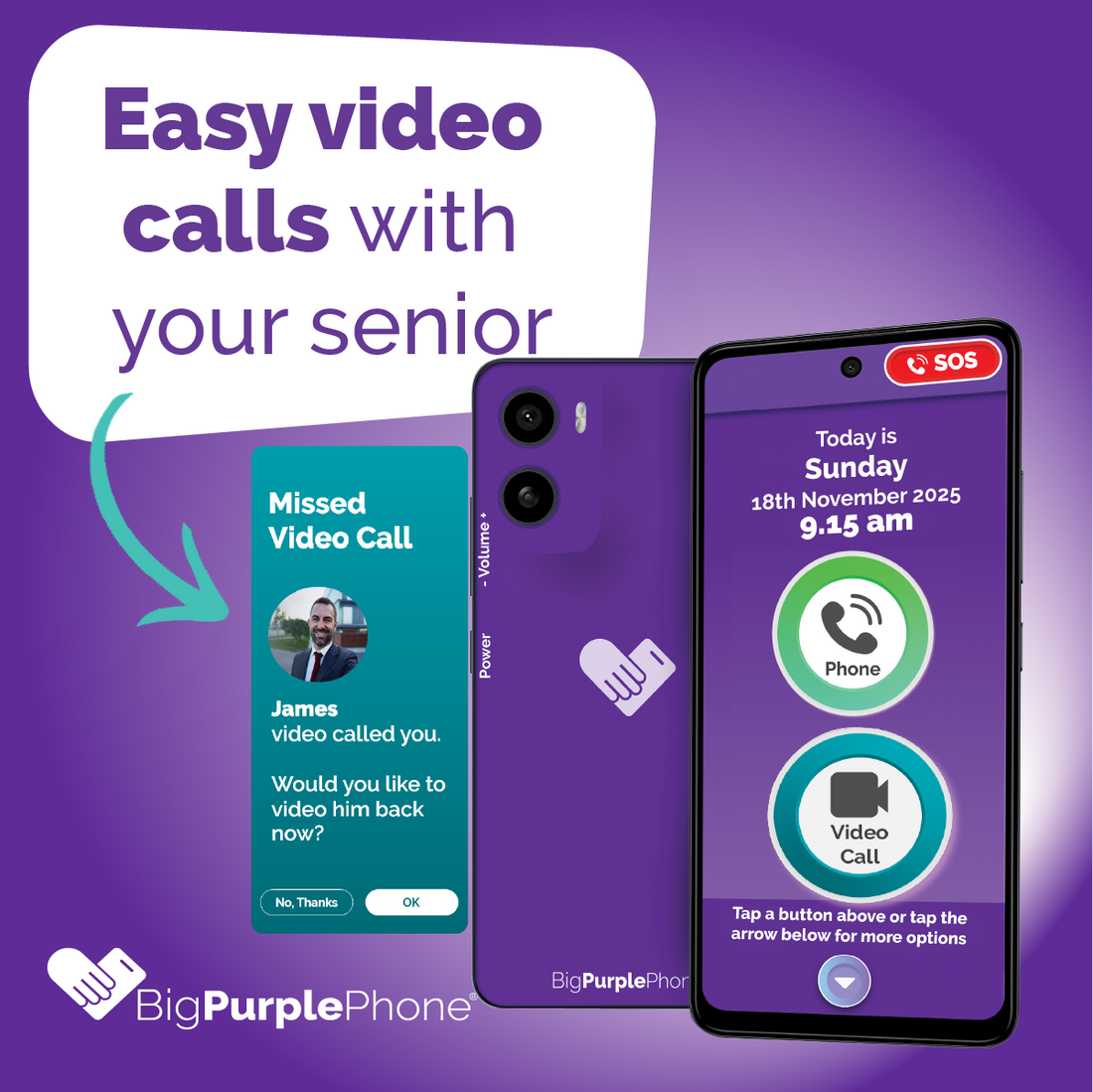
Video Calls
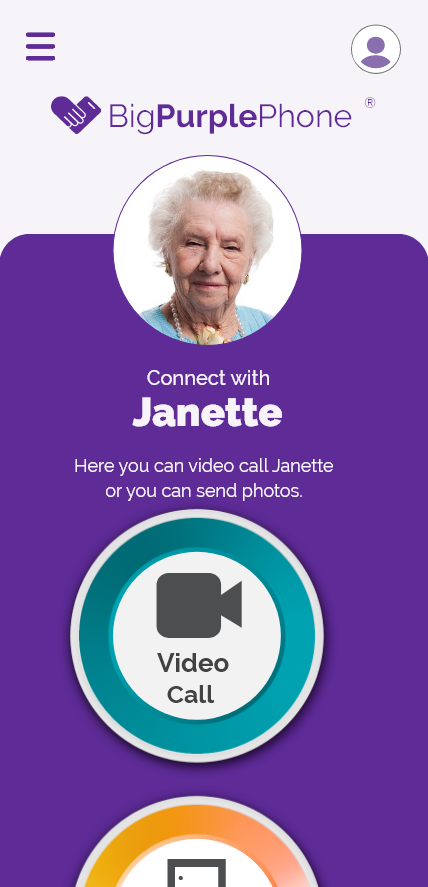
Making video calls are as simple as making a phone call for people using the BigPurplePhone. It's even easier with one-click calls through your saved picture contacts.
Always Answer With Speakerphone ON
Great for people who get the speaker and mute buttons confused on regular phones, or have low hearing. You can set the phone so that it always answers with speakerphone enabled.

Internet
Access the internet via a web browser
Login to MyGov
Login to MyGov. Note, MyGov sends a code by SMS when you sign in. If this is used, then the user will need to have the Safe Caller List disabled to receive the code.
Disable Unwanted Buttons
Sometimes too many features is just too many! Toggle off any buttons to make the BigPurplePhone home screen simpler, showing only buttons for features you use.
Google Maps
Enable Google Maps and enjoy all the features you would normally use, including audio instructions.

State Governments
Add a button to visit and access your local state services online easily.
Family&Friends Portal
Family & Friends of the Loved One can log onto the Portal to video call the user of the phone. You can access the Family&Friends portal at my.bigpurplephone.com.
Safe BigPurplePhone World
The BigPurplePhone world does not allow downloading or uploading files, sharing and other potentially harmful content.

Voicemail Icon
Set the voicemail icon to call your preferred carrier, or disable voicemail altogether.
Short Video showing what BigPurplePhone SilverFox looks like
Dimensions
- Height 171.35 mm
- Width 77.50 mm
- Depth 8.31 mm
- Weight 194g
Display
- Size 6.88 inches Diagonal
- Aspect ratio 20.5:9
- Brightness Typical brightness: 450 nits, Water Touch, High Brightness Mode: up to 600 nits.
- Resolution HD+ (1640 x 720), 263 ppi
Battery and Charging
- Battery 5200mAh.
- Charging 10W.
- Battery Life 2 day battery life
- Charger Type USB Type-C port (USB 2.0)
Operating System
- The hardware of the phone is by the makers of Motorola but the software is designed and installed by BigPurplePhone.
Networks
- Max network speed 4G
- Network bands (LTE) 1/2/3/5/7/8/18/19/20/26/28/38/40/41 (Full)
- Networks 4G
- Sim size Nano Sim
Hardware Buttons
- Power button, Volume up/down
Sensors
- Accelerometer
- Proximity
- Ambient light
- Sensor hub
Audio
- Headphone Jack 3.5mm headset jack
- Microphones 1
- Speakers Stereo speakers, Tuning by Dolby Atmos™
Memory and Storage
- Internal storage 128GB
- RAM 4 GB/6 GB Virtual
Connectivity
- Bluetooth 5.4
- Location GPS, Glonass, Galileo, QZSS
- WIFI Wi-Fi 802.11 a/b/g/n/ac/ 2.4 GHz, 5 GHz
- Headphone jack 3.5 mm
- USB Type-C (USB 2.0)
Imaging
- Front camera 8MP, f/2.0 aperture, 1.12μm pixel size
- Rear camera 50MP, f/1.8 aperture, Quad Pixel, PDAF, Ambient Light Sensor
- Rear flash LED
In the Box
- 1 x Mobile Phone Handset1 x Sim card already inserted if you have purchased a BigPurple SIM subscription.Charger and USB-C charging cord, BigPurplePhone Case.SIM extraction tool.Welcome booklet.Safety booklet.
Warranty
- Manufacturer's Limited Warranty 24 month
- Handset free from defects in materials and workmanship for 24 months
- Accessories free from defects in materials and workmanship for 12 months

Before You Buy
Answers to questions before you buy your BigPurplePhone

After You Buy
Questions often asked after purchase

MyAgedCare and NDIS
Questions about purchasing with MyAgedCare and NDIS funding

Shipping & Delivery
Questions relating to the delivery of your order

Returns and Closing Accounts
How to close your account

Questions for Family Members or Carers
FAQ for Administrators
Questions for Loved Ones
FAQs for BigPurplePhone users
Made for peace of mind
- Same apps, easier navigation and usability.
- No complicated menus.
- Just calls, texts and essential features.
- Built for seniors, by people who care.